What should meeting notes include?
Every set of meeting notes should answer five questions:
- What was this meeting for? One line is enough.
- Who was there?
- What did we decide? Include the reason if someone might question it later.
- Who's doing what, and by when? Every task needs one owner and a date.
- What's still open? List unanswered questions so they don't quietly disappear.
A free meeting notes template
Copy this into your notes app and keep it short. If a section is empty, delete it.
MEETING: [Name]
DATE: [Date]
ATTENDEES: [Names]
PURPOSE: [Why we met, in one line]

SUMMARY
[Two or three sentences for someone who wasn't there]

DECISIONS
- [What we decided] — [why, if useful]

NEXT STEPS
- [Task] — [Owner] — [Due date]

OPEN QUESTIONS
- [Question] — [Who will find out]

NEXT MEETING
[Date, or "none needed"]
Write for the person who wasn't there
The test of good notes is whether a colleague who missed the meeting could act on them. That changes what you write down:
- Lead with outcomes. Put decisions and next steps above the discussion.
- Be specific. "Maya sends the revised quote by Friday" beats "follow up on pricing."
- Leave out the back-and-forth. Capture the conclusion, and only note the debate if it affects what happens next.
- Separate facts from opinions. Say who raised a concern, rather than writing it down as settled.
Why it's hard to take notes and listen
When you're typing, you're choosing what to write down while the conversation moves on. That's especially hard if you're also leading the meeting, because you can't give full attention to both.
There are two common fixes. One is to give the note-taking job to someone else, ideally rotating it between meetings. The other is to record the conversation, with everyone's agreement, and work from that afterward. If you record, read our guide to recording consent first.
How to use an AI note taker well
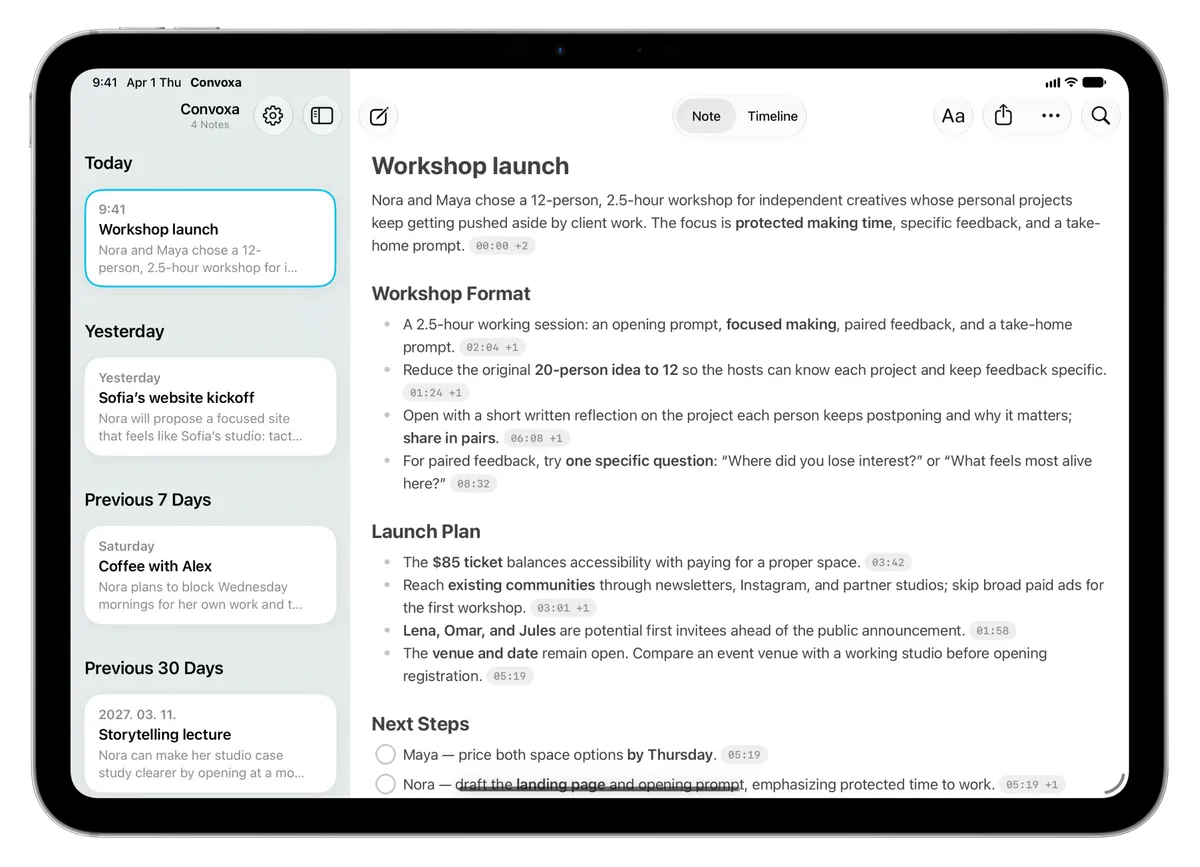
AI can give you a first draft, but the notes are still your responsibility. Here's how the process works in Convoxa:
- Record the meeting on your iPhone, iPad, Mac, or Apple Watch. On Mac, you can capture calls without a bot.
- Add context as it comes up. Photograph a whiteboard or type a quick thought so the note reflects what you saw as well as what was said.
- Check the draft. Confirm names, numbers, and deadlines. AI-generated notes can make mistakes.
- Go back to the source. Open a source marker or use the timeline to hear what was really said.
- Edit and share. Shape the note for your audience, then export it as plain text.
Send notes the same day
Notes are most useful while the meeting is still fresh. Send them as soon as you can, put the summary and next steps at the top of the message, and ask people to flag anything that's wrong. A short note today is more useful than a perfect one next week.
Common mistakes
- Writing a transcript. Nobody wants to read every word. Keep the full version available, and share the summary.
- Leaving tasks without owners. If a task belongs to "the team," it may not get done.
- Forgetting dates. "Soon" means something different to everyone.
- Burying decisions. Don't make people scroll past the discussion to find the outcome.