What it does
Everything that happened.
Written down once.
Meetings aren't only spoken
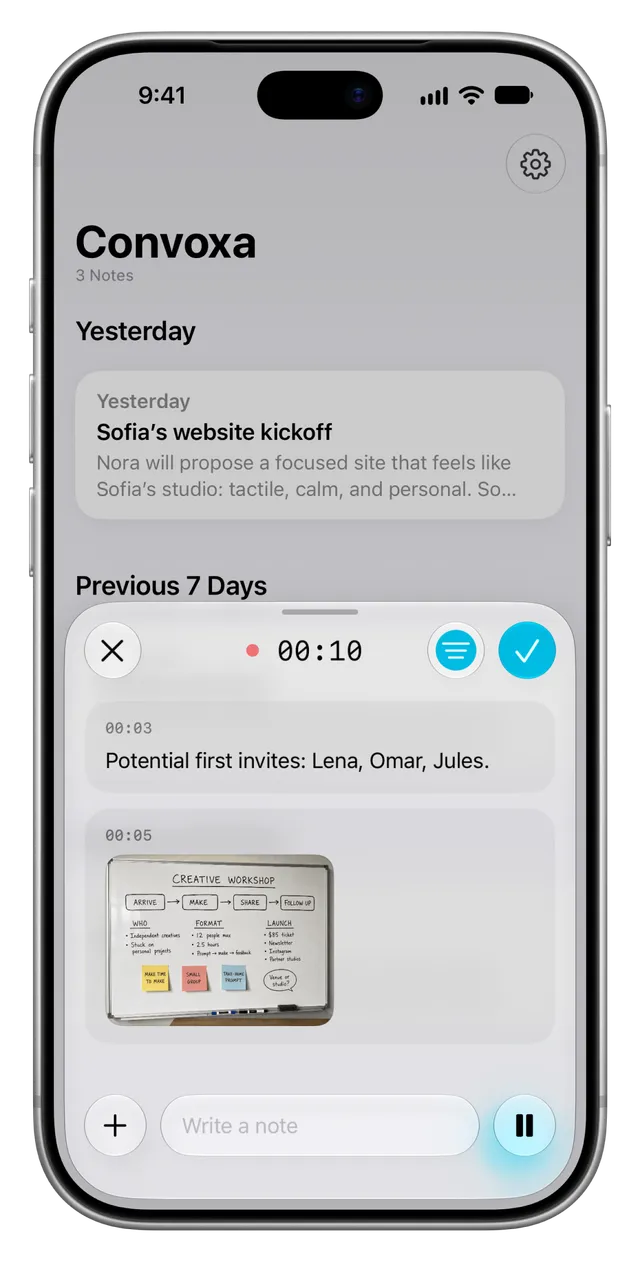
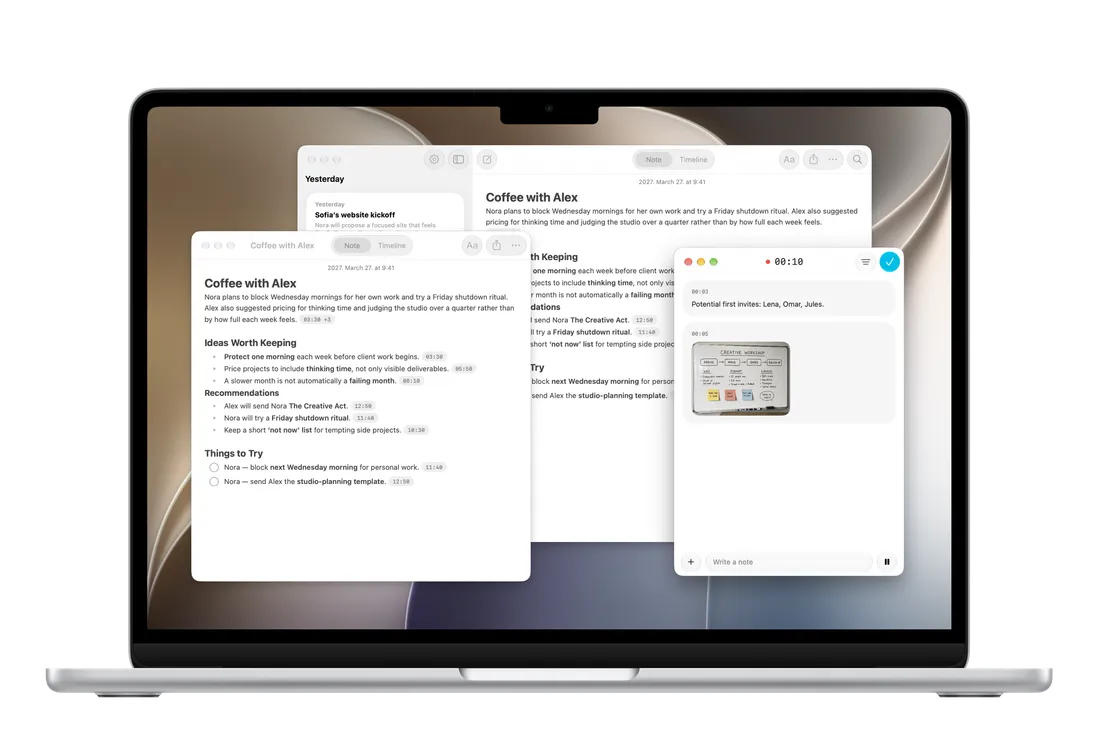
Someone shares a deck, sketches something on a whiteboard, sends a PDF nobody reads out loud. Add it mid-recording and it doesn't sit at the bottom as an attachment — the whiteboard photo is read and written into the note, alongside what people were saying about it at the time.

One note, not a transcript dump
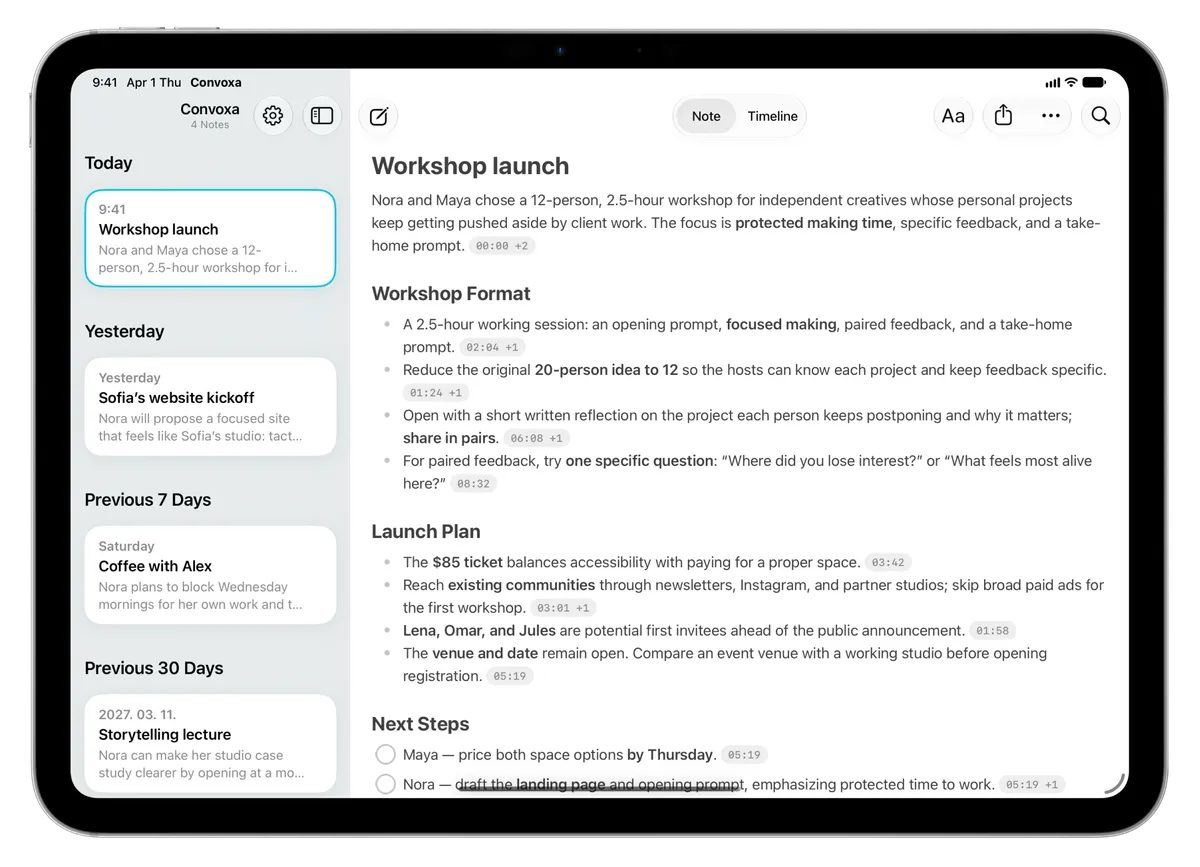
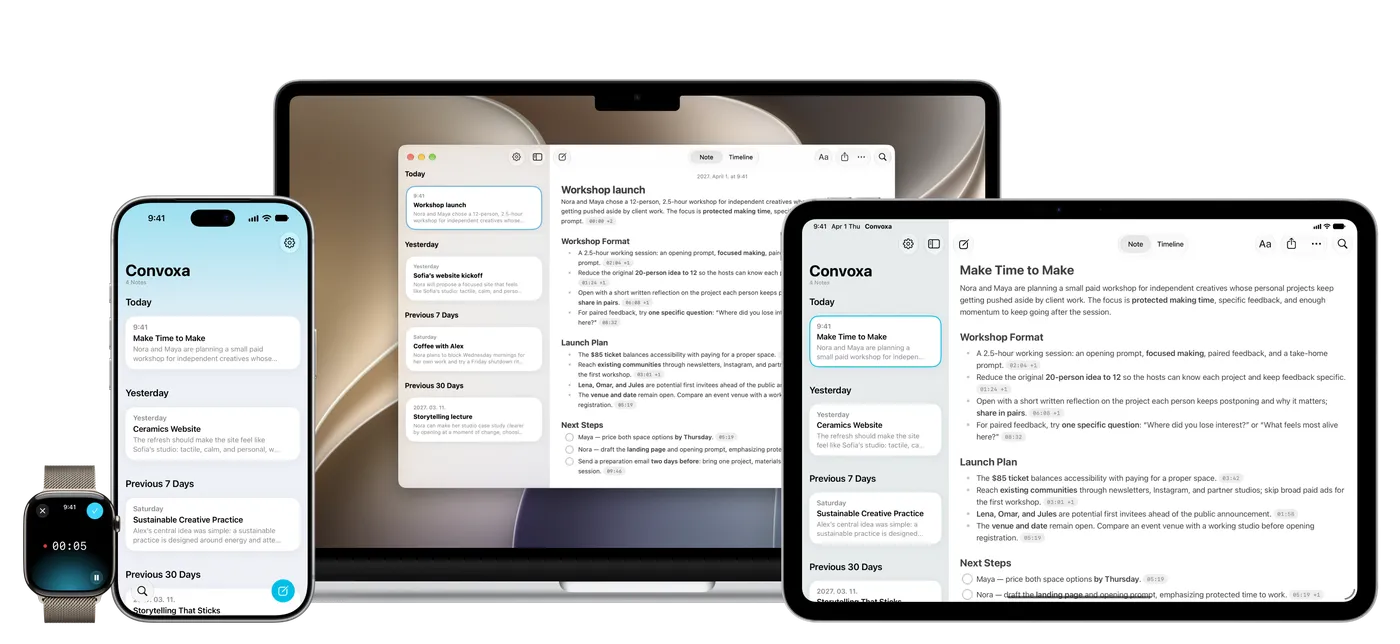
The note arrives formatted — headings, paragraphs, bullets, numbered lists, checklists — covering what was discussed, what was decided, and what you said you'd do.

Nothing taken on faith
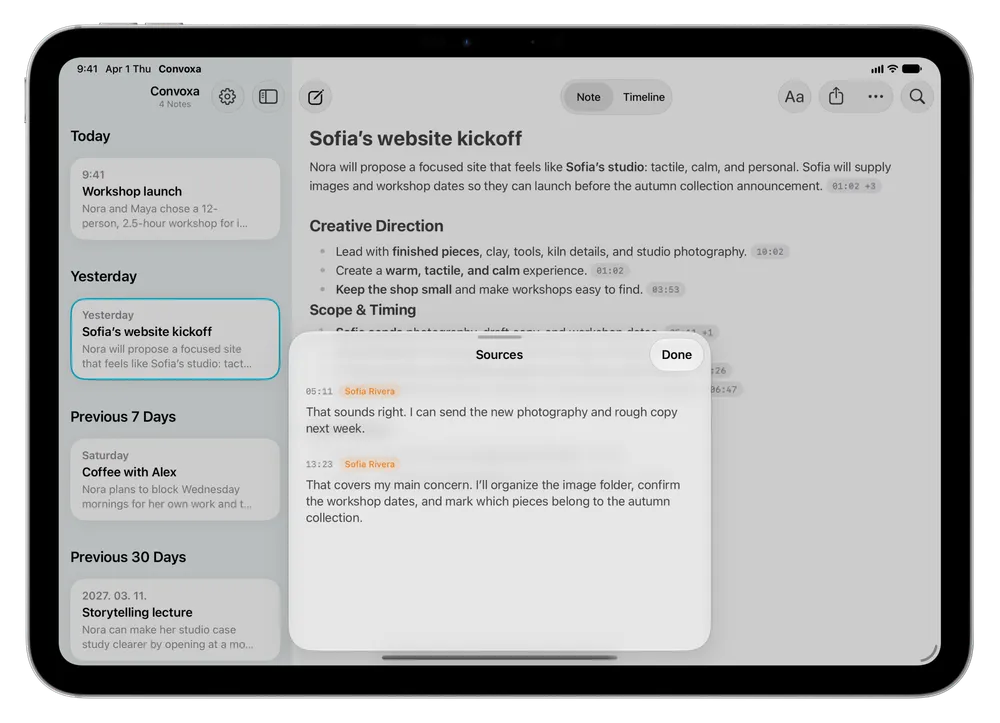
Underneath every note is the timeline. Every line is timestamped — tap one to hear exactly how it was said.

A note you can actually edit
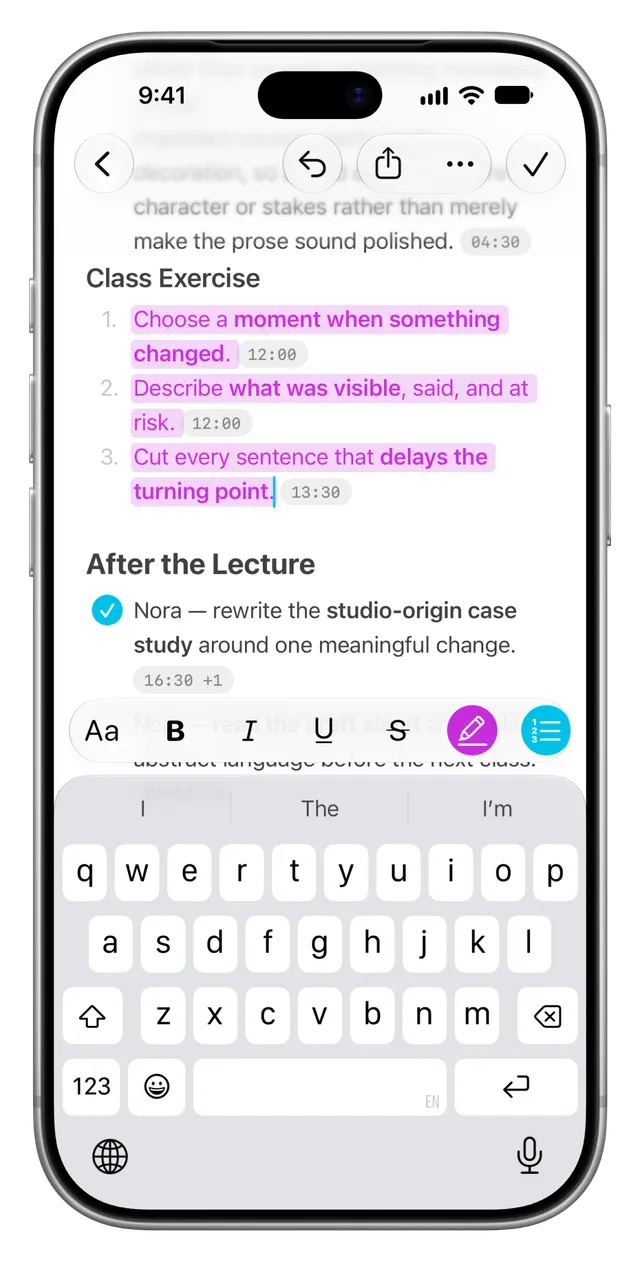
Under the formatting is a full rich text editor, not a read-only recap. Rewrite the line that missed the point, tick off action items as you finish them, highlight and restructure. Your edits stay exactly where you put them.

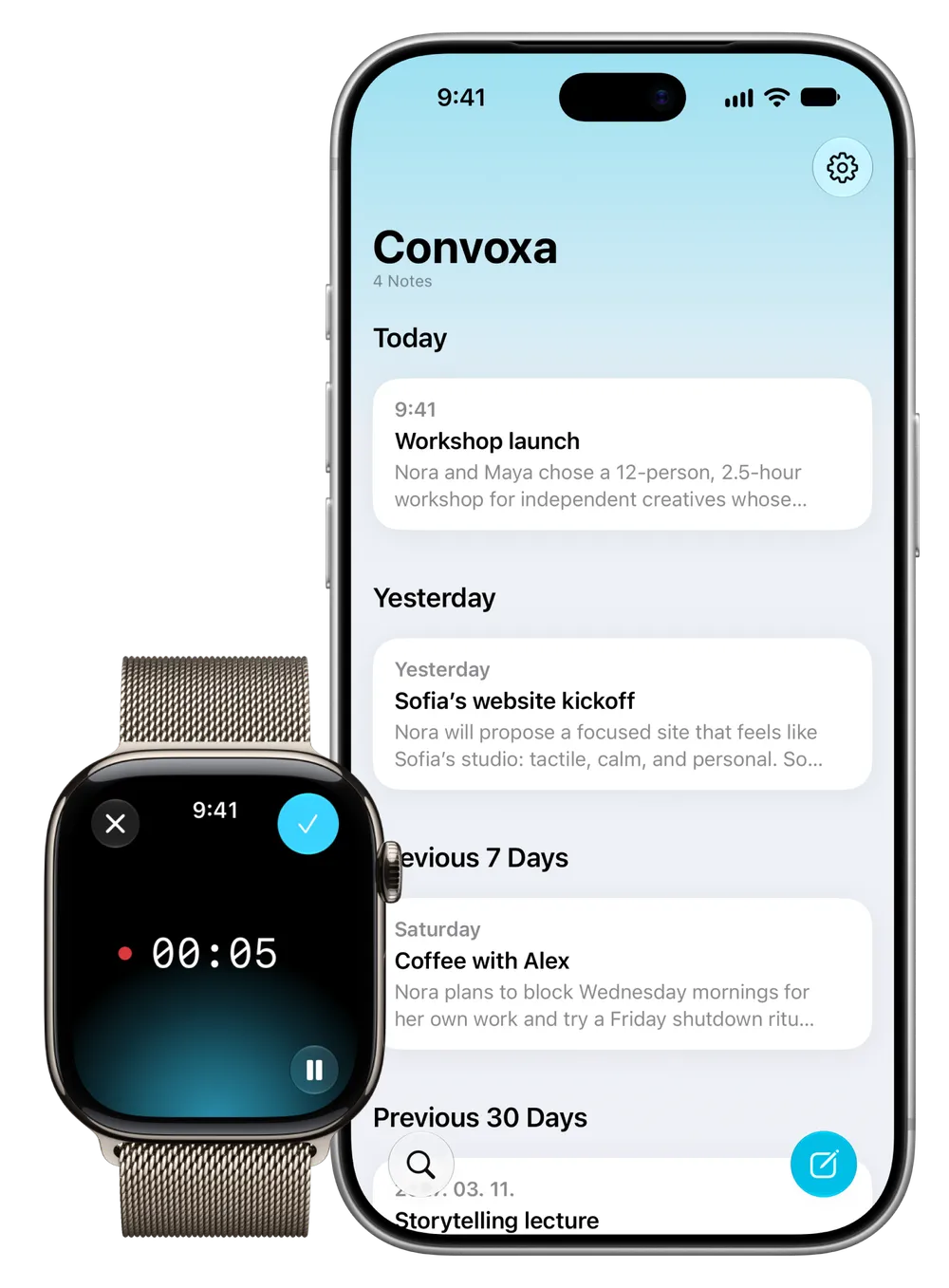
One press and it's recording
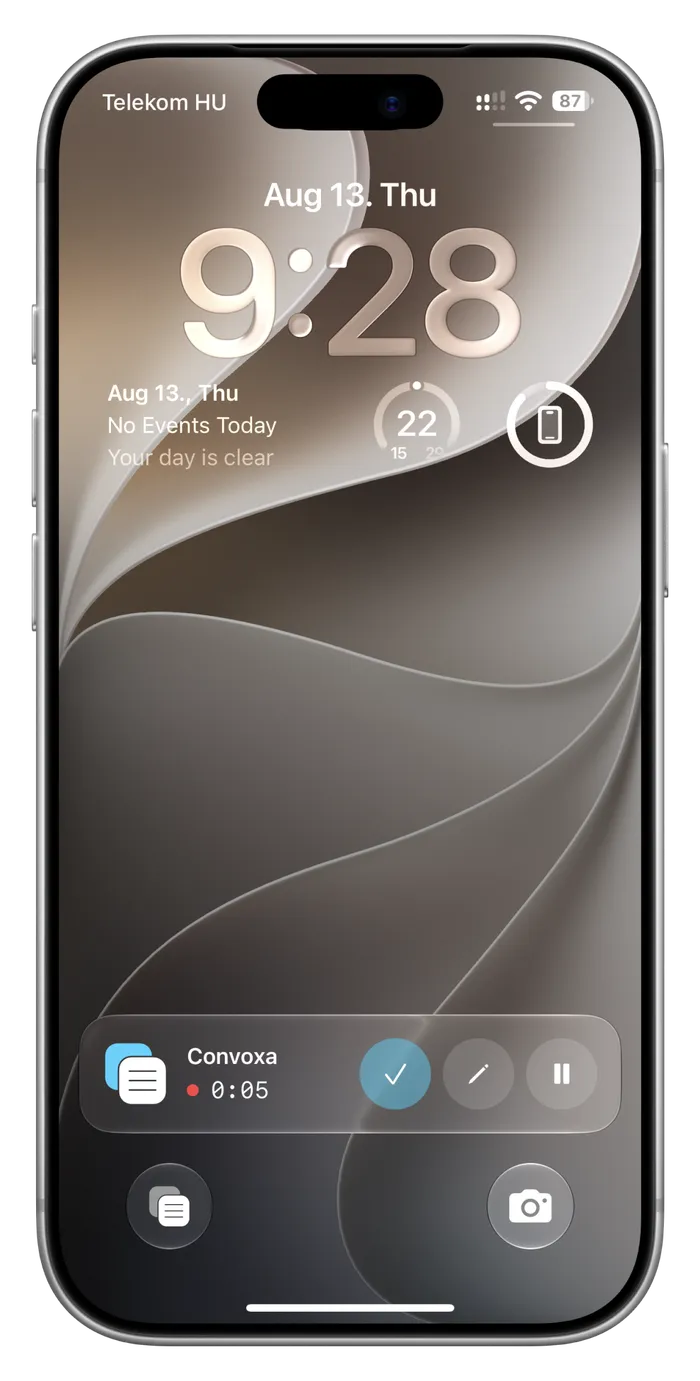
Action Button, Siri, Lock Screen, or Control Center. Start at the beginning of a meeting or halfway through — recording starts before the moment passes.

Confidential by default
On-device transcription never sends your audio anywhere — it doesn't leave your iPhone, because it never needs to. Choose cloud transcription for accuracy or language coverage and the audio is deleted the moment it's processed: never stored, never shared, never used to train anything. Neither are your notes.
New — Convoxa for Mac
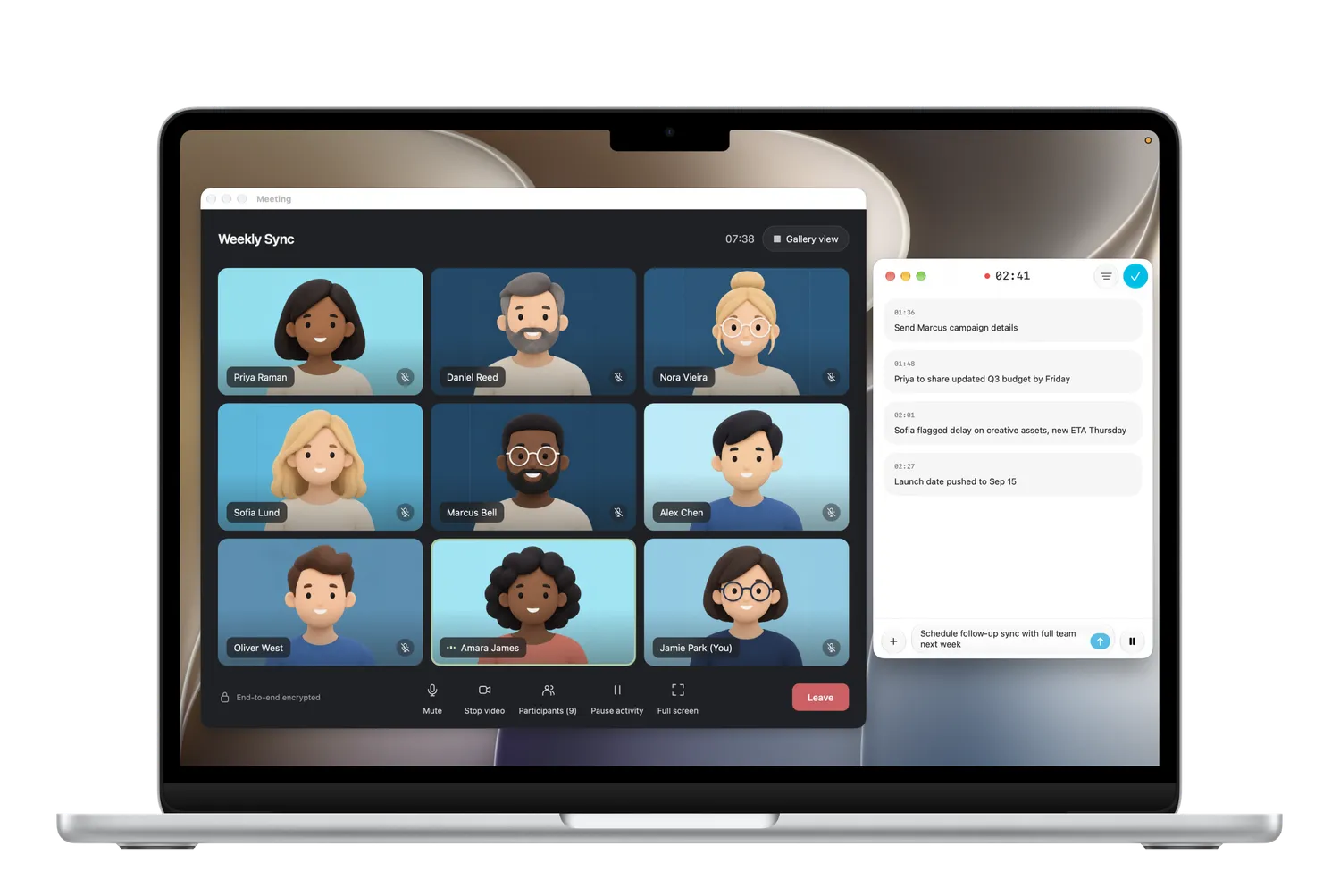
Records the meeting.
No bot required.
Convoxa sits beside your call and captures what your Mac hears. Nothing joins the meeting, nothing asks for permission from the other side, and nothing leaves your machine unless you say so.

Open as many notes as you need
Notes open in their own windows, so you can keep the timeline, the write-up, and a live recording in view at the same time. Everything syncs privately over iCloud, so a meeting recorded on your iPhone is already here when you sit down with it.

For everything you talk about
One button, the same note, whatever the conversation turns out to be.
- 1-on-1
- client call
- doctor's appointment
- brainstorming session
- interview
- lecture
- standup
- coffee chat
- therapy session
- coaching session
- note to self
- difficult conversation
- note to self
- coaching session
- therapy session
- coffee chat
- standup
- lecture
- interview
- brainstorming session
- doctor's appointment
- client call
- 1-on-1
Privacy
Privacy by design.
The conversations you record are often the ones you'd least like to hand over. Convoxa is built so you never have to.
Your storage, not ours
Recordings, transcripts, and notes live on your device and sync privately through your own iCloud account (Pro tier). They are never kept on our servers.
Sign in with Apple, nothing more
Authentication only. Use Apple's Private Relay and we never even see your real email address — and we never use it for marketing, advertising, or tracking.
Nothing trained on, ever
Audio is deleted the moment it's processed. Transcripts are handled in memory and discarded. Your notes are never read, kept, or fed into any model.
Enterprise Security
Our partners adhere to SOC 2 Type II, HIPAA, and ISO 27001 standards. We are fully GDPR compliant, ensuring your data is handled with the highest level of care.